In this tutorial we will show you how to install MetaTrader 4 trading platform on your FXVM VPS/Server.
-
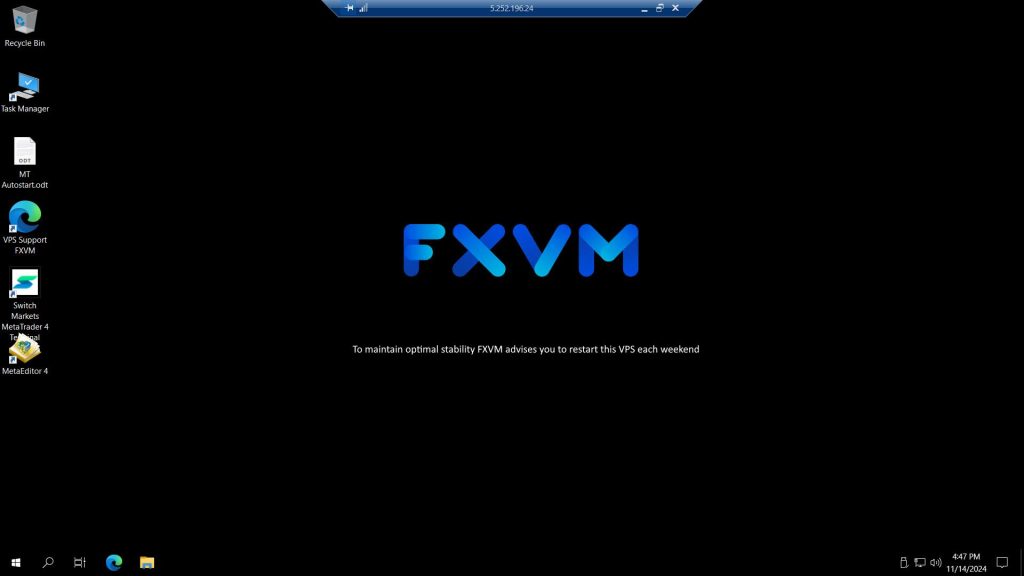
Login to your VPS
-
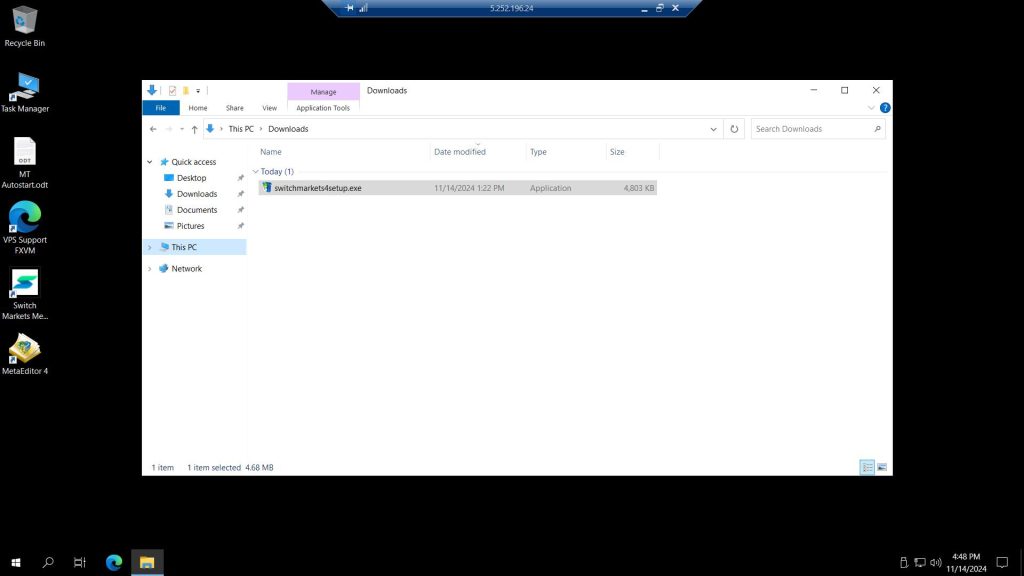
Go to Downloads folder and run the same MetaTrader installer in the VPS
-
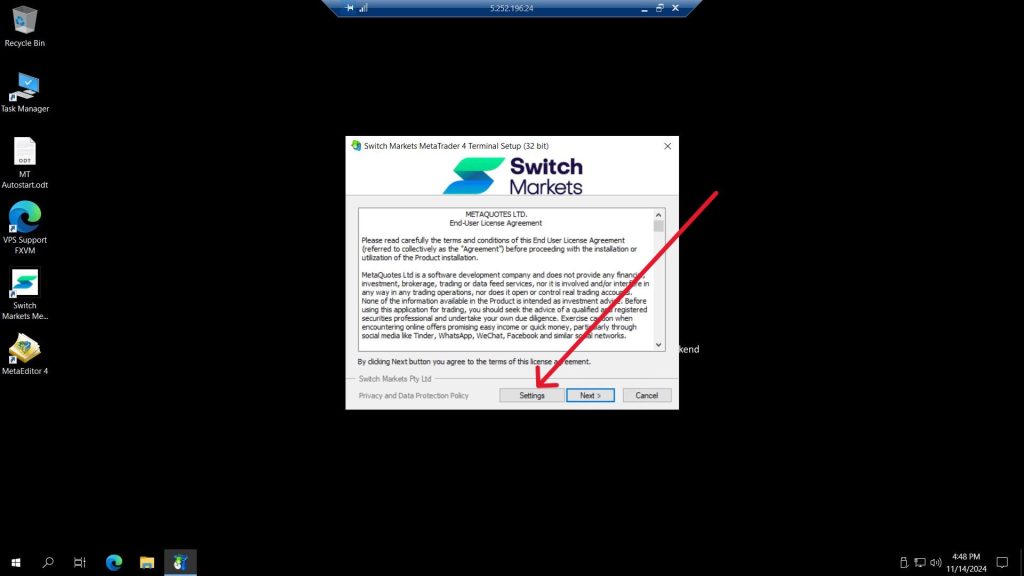
Once the installation starts, click on Settings
-
Go to the Installation Folder field and change the path, it’s recommended to just add a 2 in the end of the path and Program group (for the next MT4 you can add 3, then 4, and so on).
Click on Next
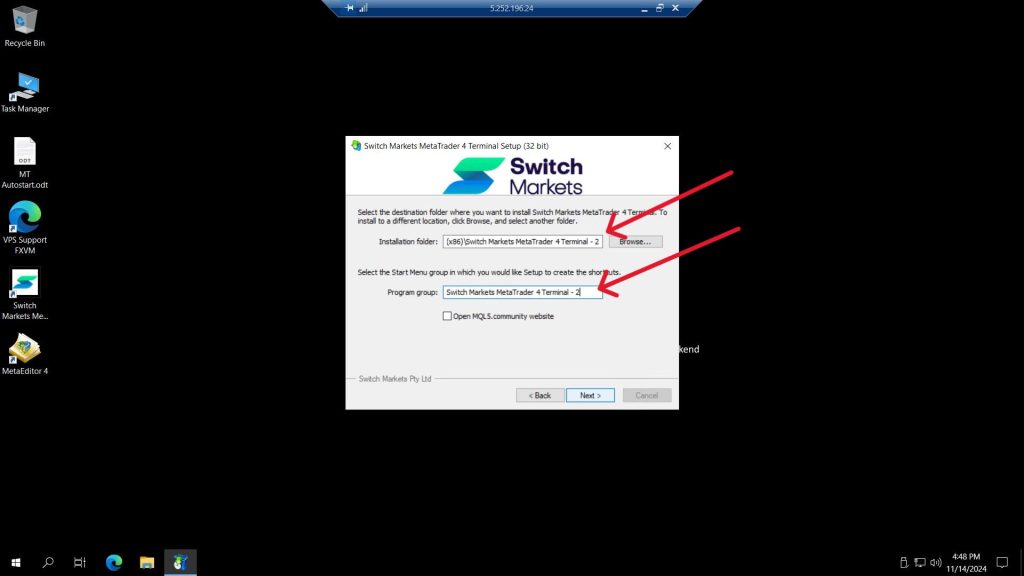
The idea is to create a new folder once the second MeteTrader is installed. This will avoid overwriting the first installed MetaTrader
-
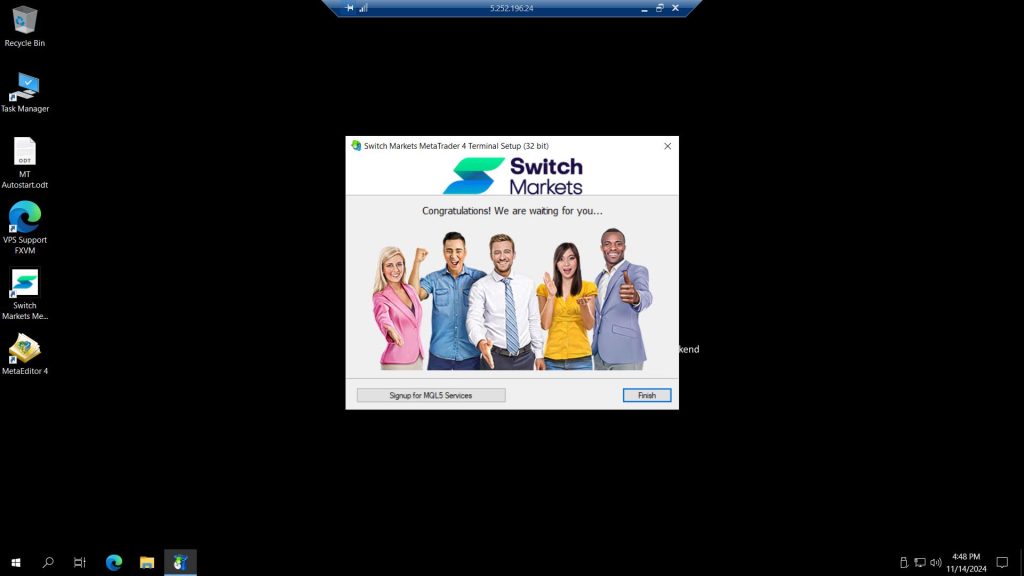
Wait until the process is done and click on Finish
-
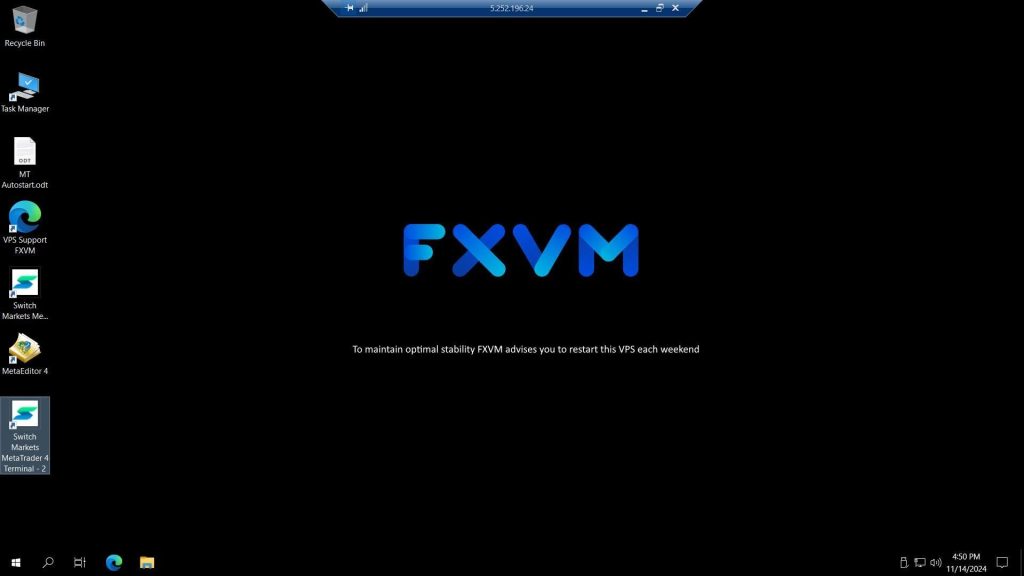
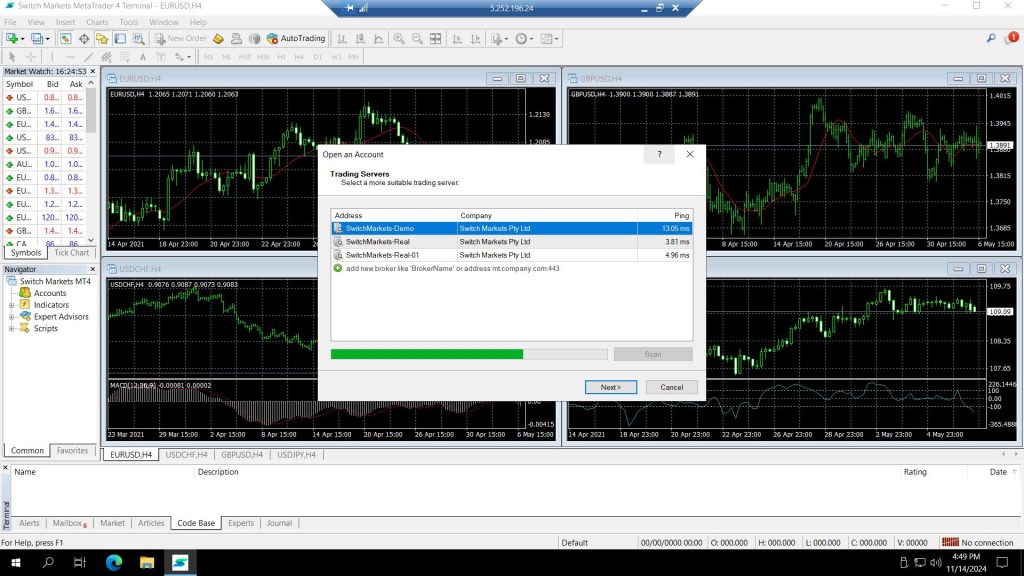
That’s it! Your second MetaTrader is installed into your VPS!
-
You can go back to your VPS desktop screen and will see a second MetaTrader of the same broker