In this tutorial, we will show you how to do a Windows update in your FXVM VPS
Windows updates for your VPS are vital for:
- Security: Patching vulnerabilities to prevent cyberattacks (malware, ransomware).
- Stability: Fixing bugs and improving system reliability to reduce downtime.
- Performance: Enhancing efficiency and responsiveness.
- Compatibility: Ensuring smooth operation with new software and services.
- Support: Maintaining Microsoft support for your operating system.
In short, regular updates keep your VPS secure, stable, and performing optimally.
Steps:
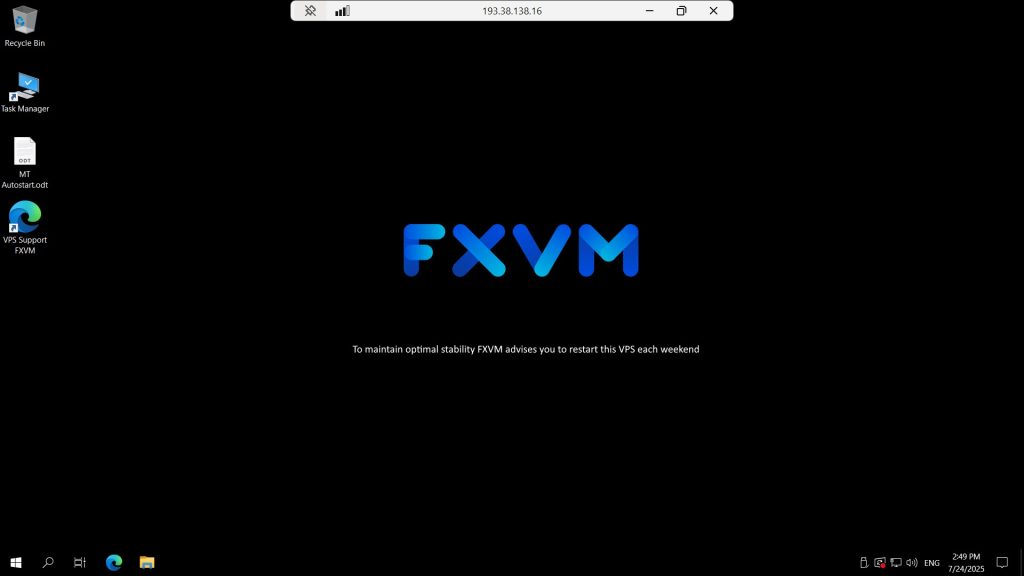
Login to the VPS
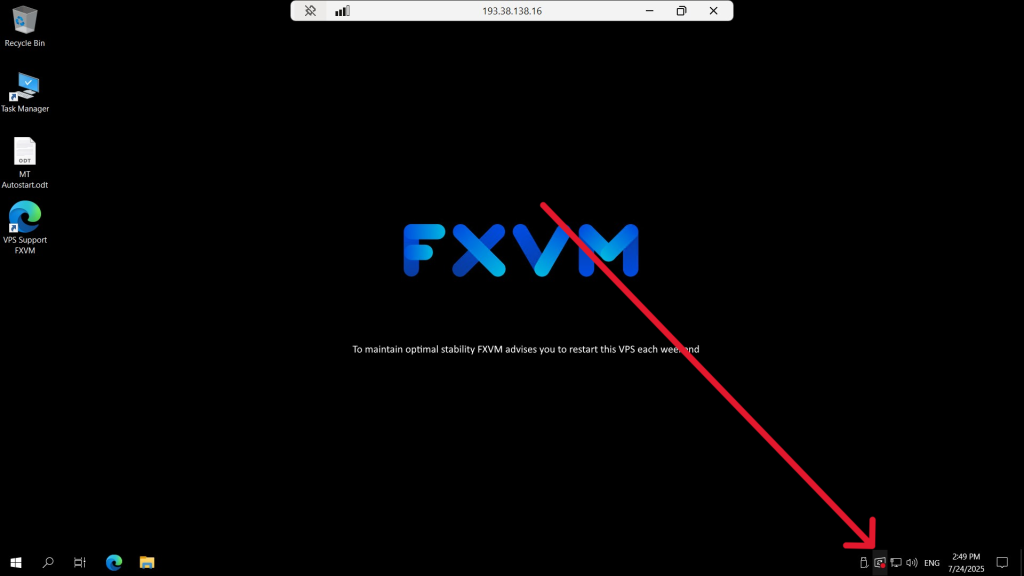
You can either see the Windows update icon with a red dot on the bottom right corner of your screen
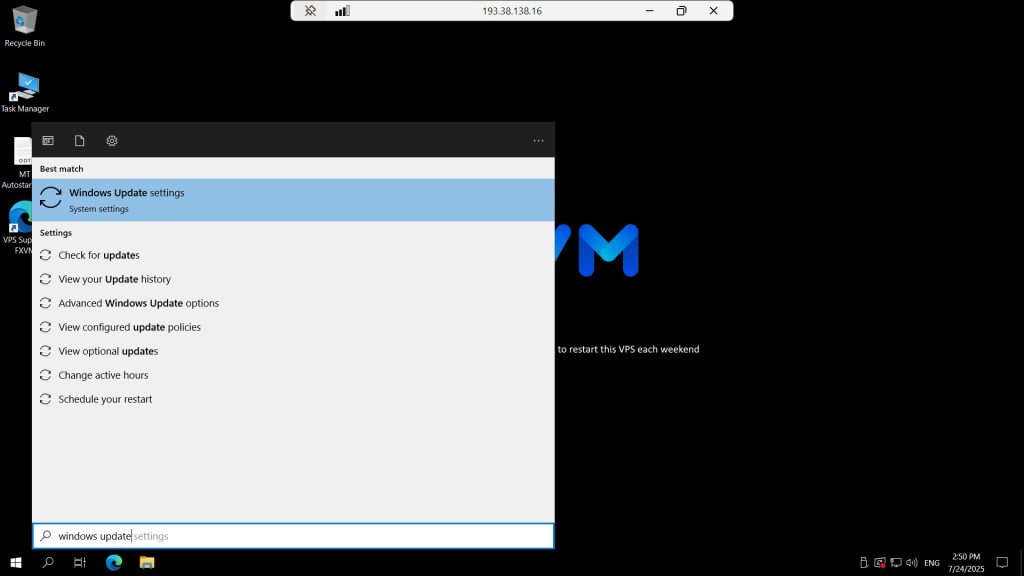
Or go to START then type Windows Update
Here it will show all available updates
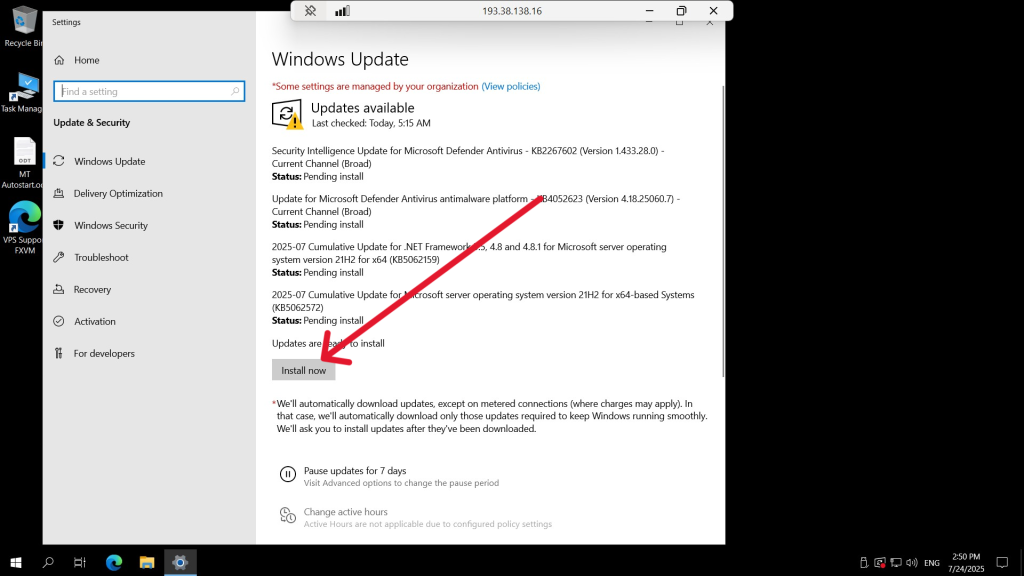
The update may take 25-30 minutes depending on how many is pending
You can view the status of your VPS by accessing the VNC console which you find here


