In this tutorial we will show you how to properly disconnect from Remote Desktop (FXVMVPS/Server)
session.
If you want to leave your programs running on your FXVMVPS then you just need to disconnect from RDP
session, not logging of from the server – as that would result in shutting down your trading platforms,
such as MetaTrader and others.
If you are running your RDP session in fullscreen mode then you should see blue
bar menu on the top.
Click on the X sign (we’ve marked that with red arrow) and then click OK:
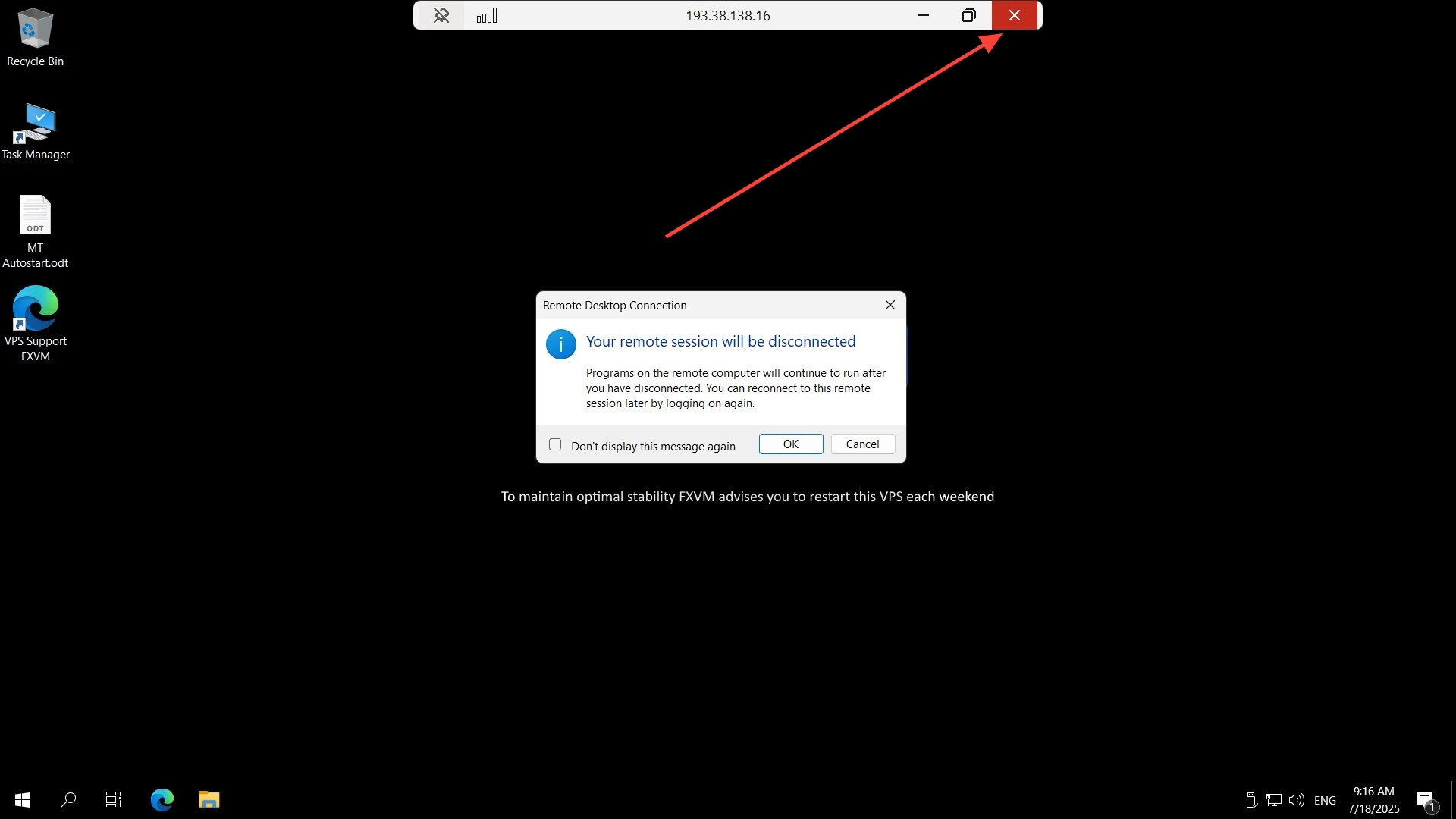
If you are not running your RDP session in windows mode then you will
just have to close RDP window.
Click on the X sign (we’ve marked that with red arrow) and then click OK:

That’s all!
You can now reconnect to your VPS to check if your trading platforms are running after RDP
disconnection.


