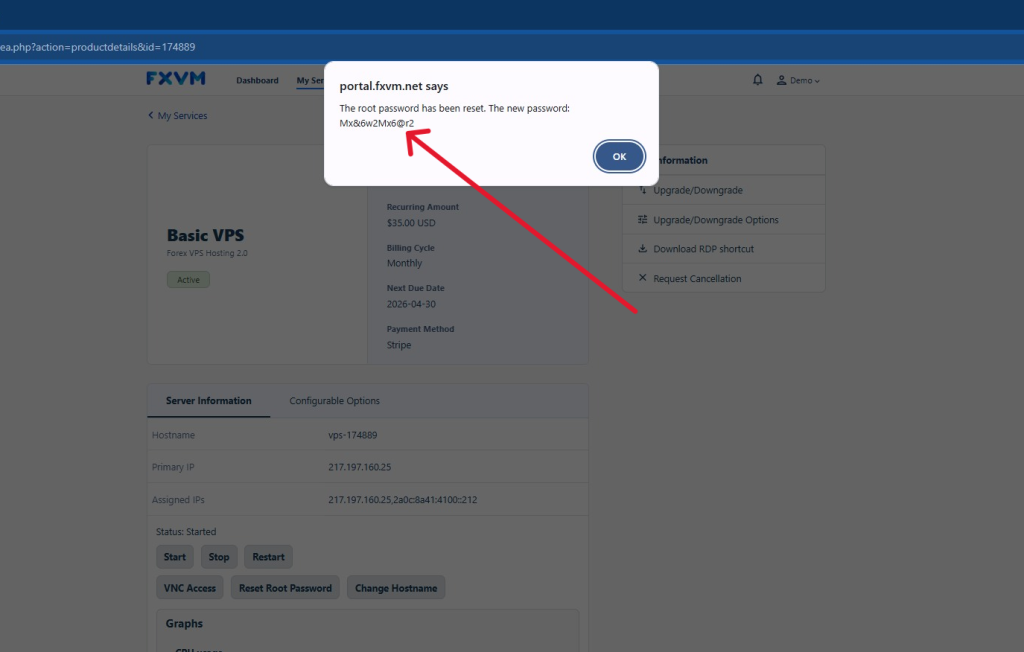
Learn how to easily reset the root password for your VPS. This guide provides clear, step-by-step instructions to help you regain access to your server quickly and securely.
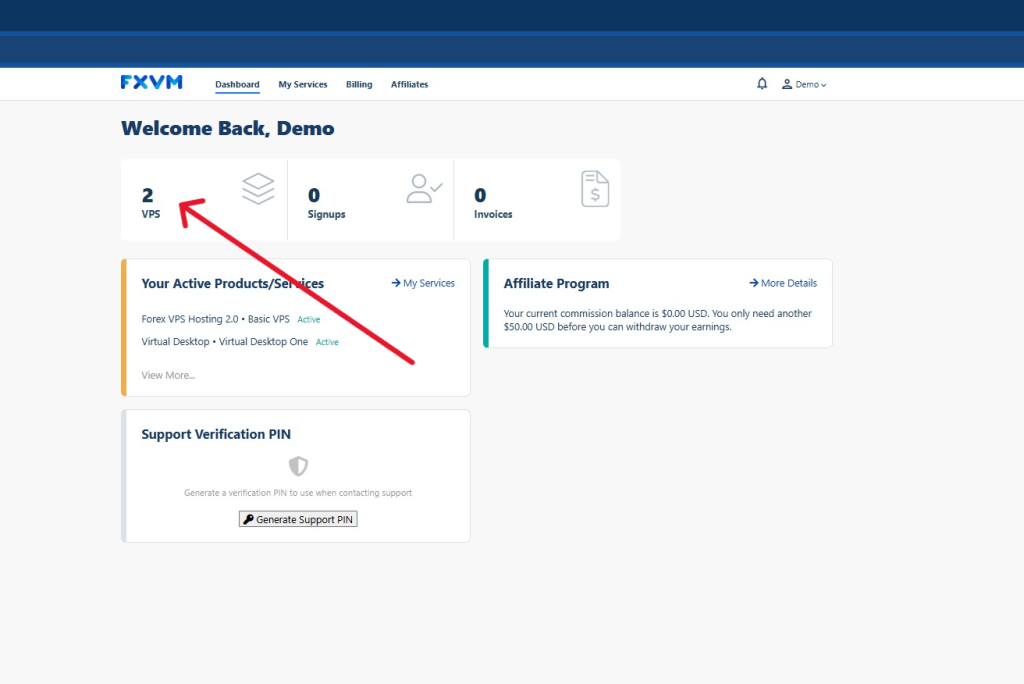
1. Login to your client portal here and click on VPS
2. Click the VPS that you want to reset the password of
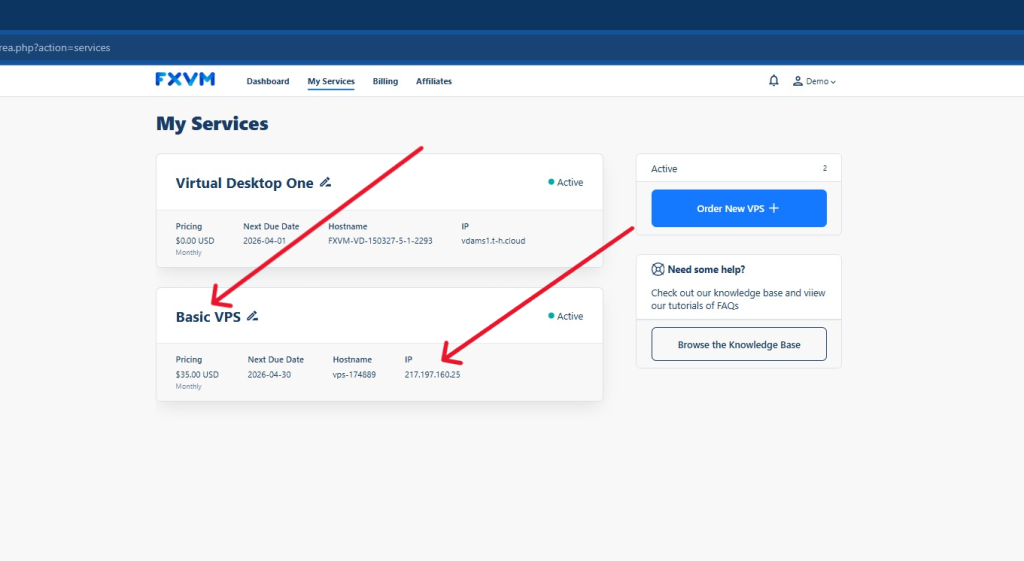
Tip! You can see the VPS IP below as an identifier
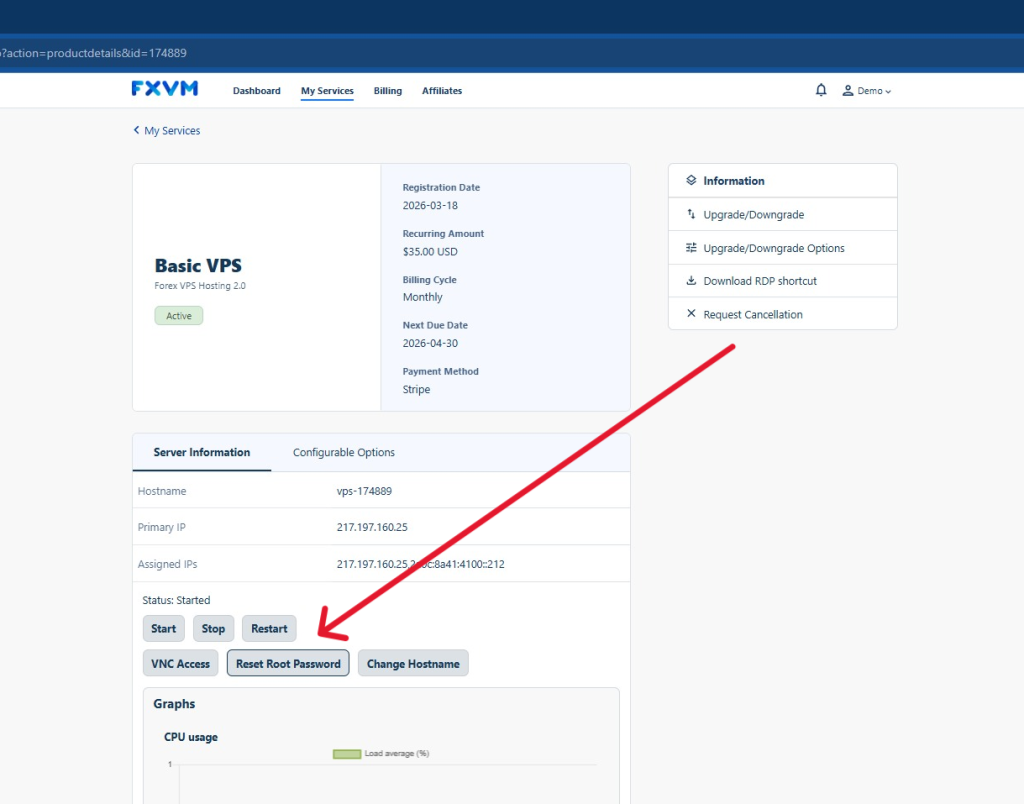
3. Click Reset Root Password button under the Server Information
4. Wait for the pop up containing the new password